


 Download
 Facebook
 Twitter
 Google+
adsinspire
adsinspire is an
Alfred 3
workflow for searching papers on
INSPIRE
or
ADS. It can do the following:
- Searching all of INSPIRE/ADS from within Alfred.
- Open the INSPIRE/ADS record page of a paper.
- Search for more publications of a paper author.
- Download and open the arXiv PDF of a paper.
- Open the DOI referral of a paper.
- Lookup references of a paper.
- Lookup citations of a paper.
- Copy the paper's BibTeX to the clipboard.
- Search locally stored papers
It is forked from ainspire
Installation
Download the latest release and open it (from the Finder or from Alfred) to import it in Alfred.
To use ADS in app search, you need to get
the API token from
ADS, and use ads setting to set
API token.
Usage
Searching INSPIRE or ADS
You can search INSPIRE or ADS by typing
insp {query} or
ads {query} in Alfred's main
input. insp and
ads are the default keywords,
which can be changed editing the workflow
via Aflred's prefences. For instance,
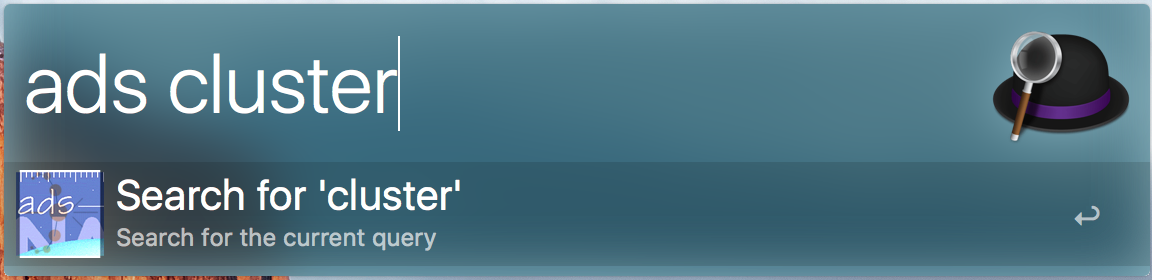
will search for all papers that match
clusters. In order to perform
the actual search, you will need to hit
enter after typing a search query.
Beforing hitting enter,
adsinspire will show you list
of previous searches that match the
current one.
After pressing enter, Alfred will display the INSPIRE search results:
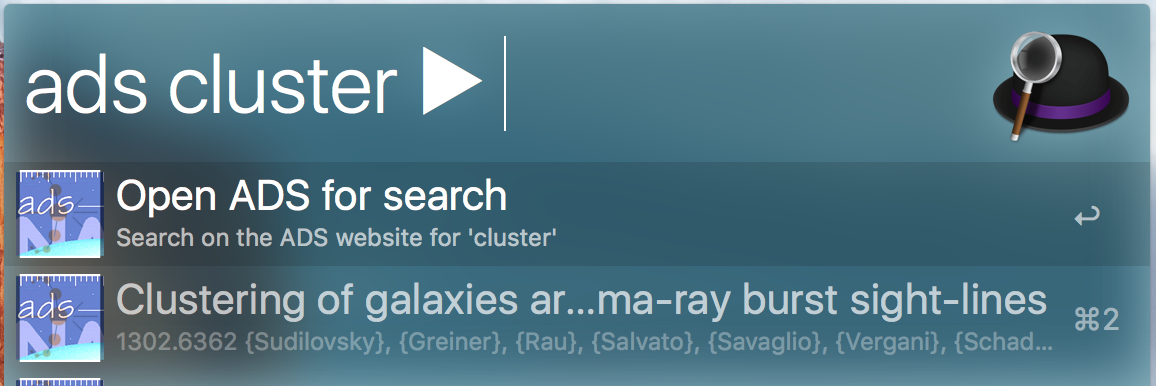
The loading of results may a couple of seconds or more, depending on the current traffic. Each paper in the search results is formatted as follows:
Title of paper
(Eprint or Year) Authors (Journal)
After selecting a paper from the results and pressing enter, a menu for that paper appears:
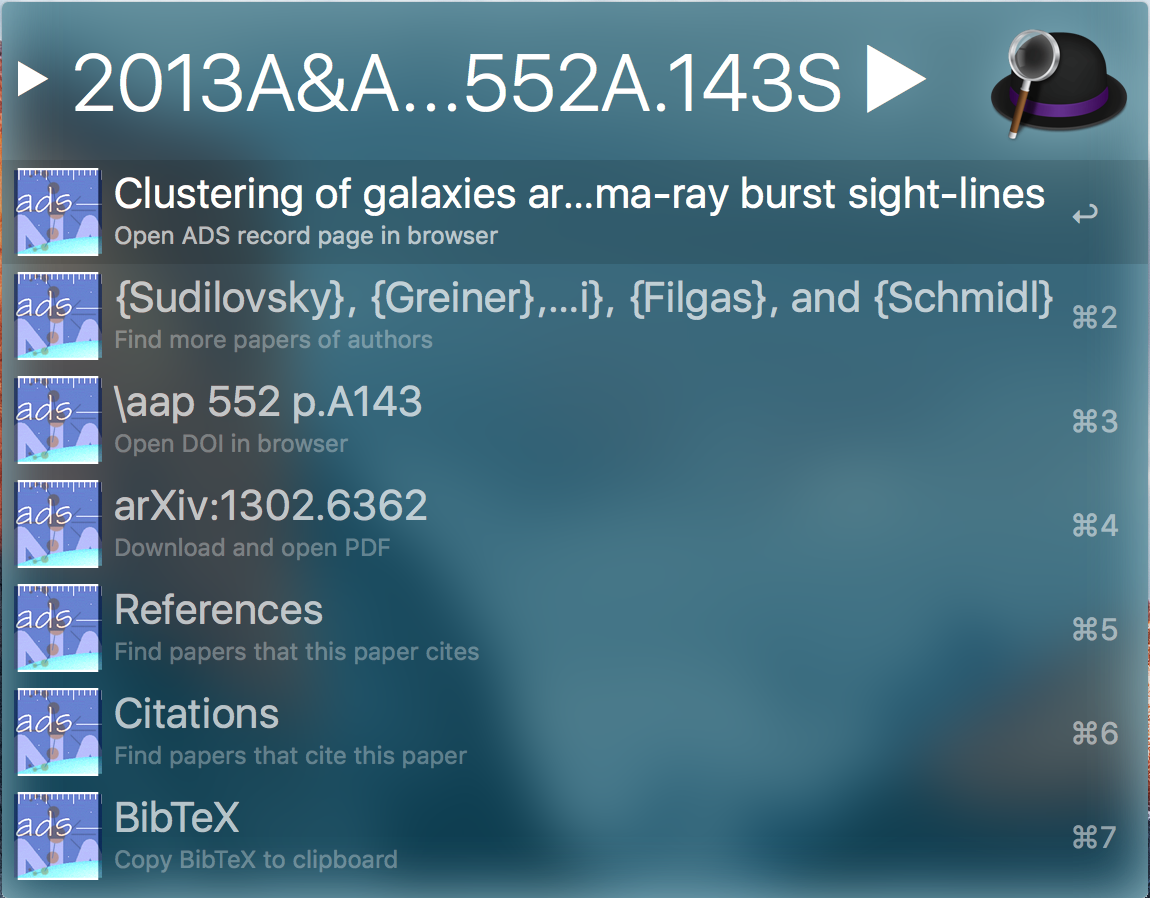
From this menu, it is possible to do further searches (e.g. for more papers of the authors or for citations of the paper), to go various websites (e.g. the record page or the DOI referral page), or to copy the BibTeX of the paper to the clipboard.
If the paper has more than one author,
selecting the
Find more papers of authors
item will display another menu, from which
it is possible search for papers from one
of the authors.
Selecting the arXiv e-print will download
it to a local folder (which can be set in
ainspire's settings) and open
it.
Settings
By only entering the
adsinspire keyword (which is
insp or ads by
default), it is possible to go to
adsinspire's settings:
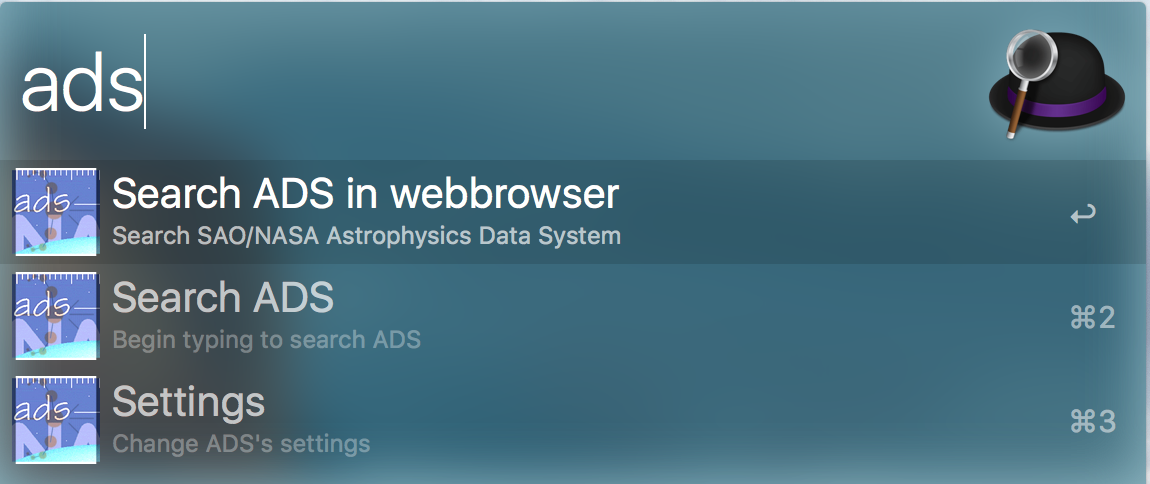
There, the following can be changed:
- The cache can be cleared, which erased all stored previous searches.
- The cache timeout (in days) can be adjusted, which affects how long searches are cached.
-
The local directory where PDFs from the
arXiv can be set. It defaults to
~/Papers. - The API token for ADS searching
Local search
Not only does the local directory contain
the PDFs downloaded from the arXiv, it can
also be searched for PDFs with the
paper keyword:
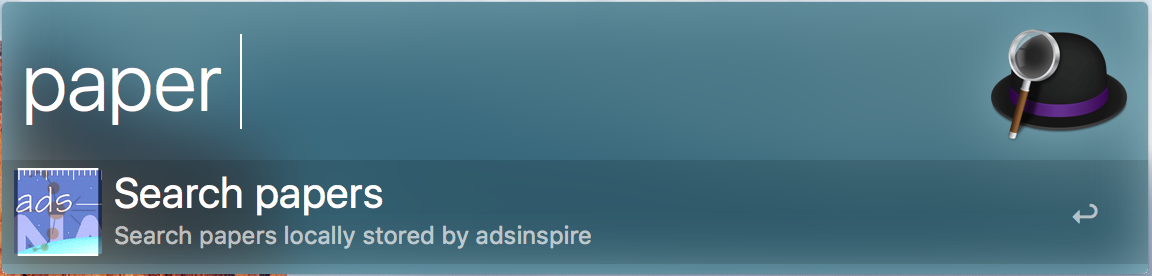
Besides returning PDFs that match the search query, the local search also offers a fallback search for the same query, in case the locally stored PDFs are not what you're looking for.
Limitations
adsinspire only loads up to
100 (INSPIRE) 9 (ADS) results per search.
Also, when looking up citations or
references of a paper,
adsinspire only shows those
papers that have records in INSPIRE or
ADS. Thus citations to websites and such
will not be included in the list of
citations. Furthermore, the BibTeX that
can be copied to the clipboard is not the
exact same BibTeX as obtained directly
from the websites, but is equivalent to
it.
ADS searching is slow, and the rate limit is too easy to be exceeded. A browser search is another solution currently.
Dependencies
adsinspire needs the
following Python libraries:
- alp (https://github.com/phyllisstein/alp) for communicating with Alfred
- pyinspire (https://bitbucket.org/ihuston/pyinspire/) for performing searches on INSPIRE
- bs4 (http://www.crummy.com/software/BeautifulSoup/) because pyinspire needs it
- bibtexparser (https://pypi.python.org/pypi/bibtexparser) for parsing BibTeX
- ads
- requests
- certifi
- chardet
- idna
- urllib3
- werkzeug
If you check out the source from Git, you
need to include these libaries in the
adsinspire directory root in
order obtain a working Alfred workflow.
When you download the workflow from the
releases page, this is not necessary.
License
WTFPL, of course.