


 Download
 Facebook
 Twitter
 Google+
alfred-terminalfinder
Alfred workflow to open current Finder window in Terminal/iTerm and vice versa.
Usage
Install workflow and enter following keywords depending on what you want to achieve:
-
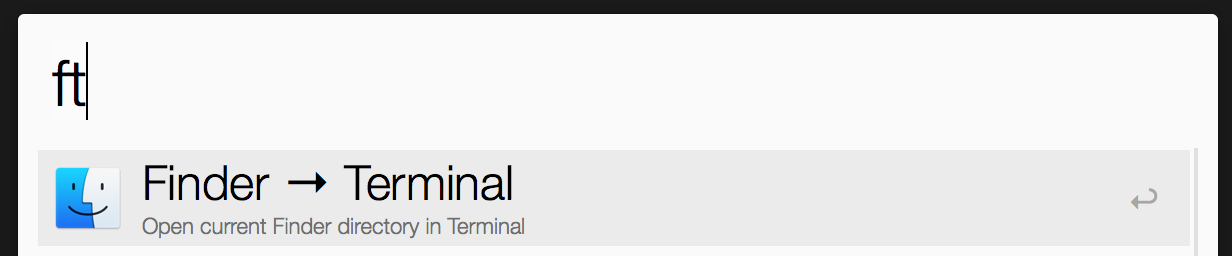
ft: open current Finder directory in Terminal -
tf: open current Terminal directory in Finder -
fi: open current Finder directory in iTerm -
if: open current iTerm directory in Finder
Thanks to @olibob we also have Path Finder support:
-
pt: open current Path Finder directory in Terminal -
tp: open current Terminal directory in Path Finder -
pi: open current Path Finder directory in iTerm -
ip: open current iTerm directory in Path Finder
In addition the search result in Alfred
will show you what the action will do in
its subtitle, i.e. ft:
iTerm Compatibility
This workflow works with iTerm 2.9.x. If
you need support for 2.1.x,
see the 2.1.x branch.
Hat tip
This workflow was heavily inspired by ssgreg's Terminal in Finder's folder.