


 Download
 Facebook
 Twitter
 Google+
alfred-mvnrepository-workflow
alfred-workflow for mvnrepository.com
Usage: 1. open alfred. input
mvn to start workflow. 2. you
can search any keywords 3. response will
like
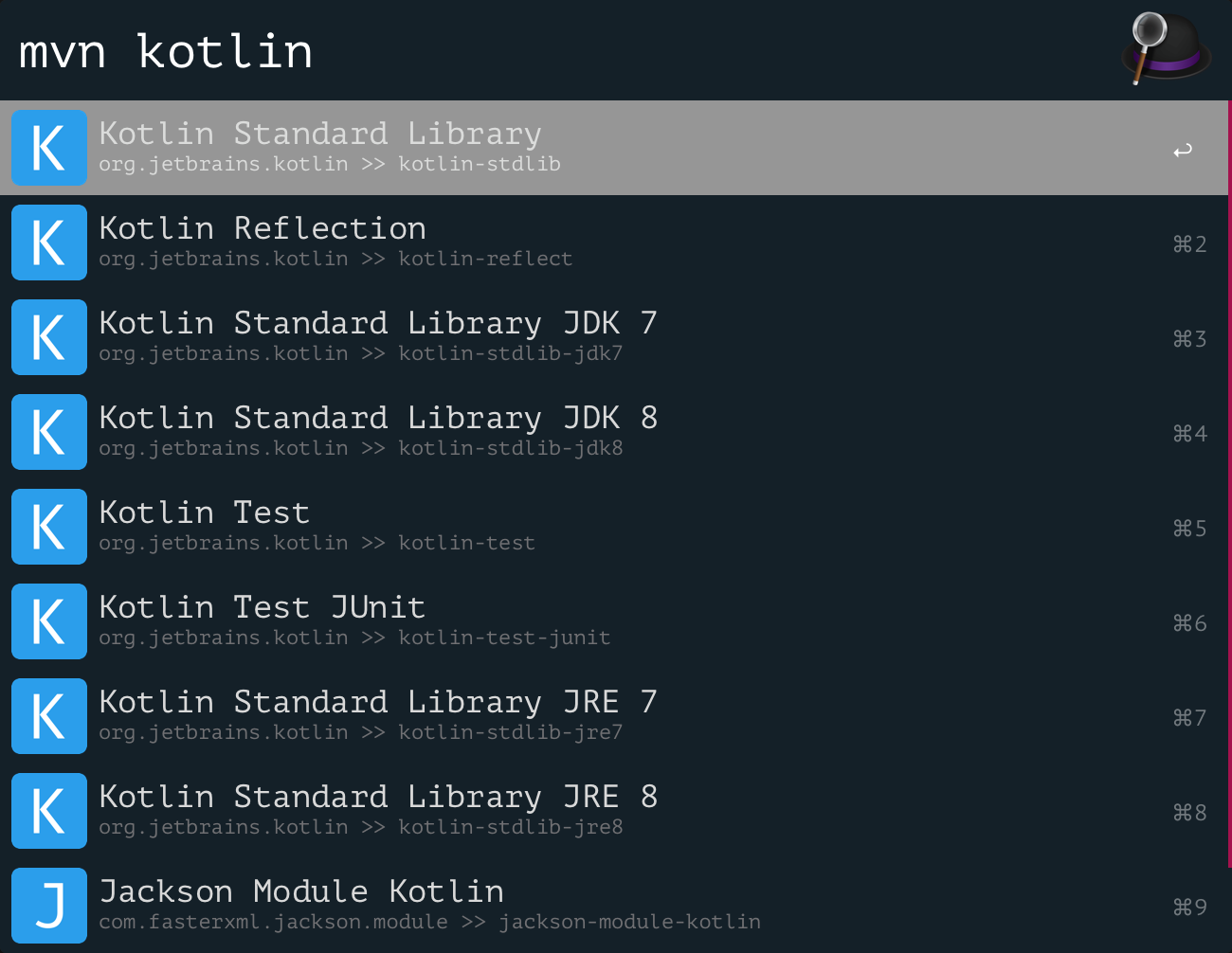 4. * press ⌘ will show artifact's
description * press ⌘+enter will open
artifact's page eg.
https://mvnrepository.com/artifact/org.jetbrains.kotlin/kotlin-stdlib
* press enter will enter next step 5.
response will like
4. * press ⌘ will show artifact's
description * press ⌘+enter will open
artifact's page eg.
https://mvnrepository.com/artifact/org.jetbrains.kotlin/kotlin-stdlib
* press enter will enter next step 5.
response will like
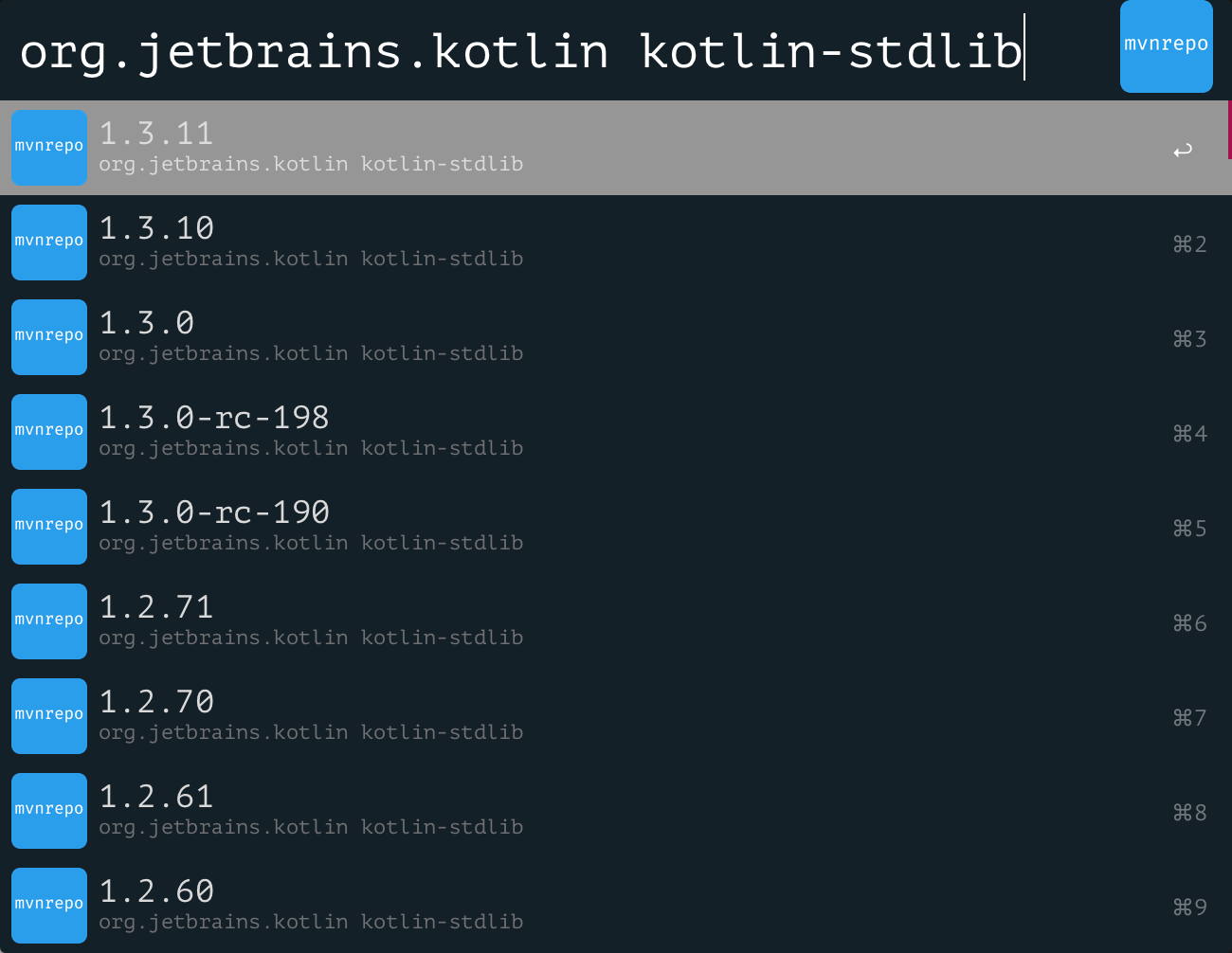 6. * press ⌘+enter will open artifact's
page eg.
https://mvnrepository.com/artifact/org.jetbrains.kotlin/kotlin-stdlib/1.3.11
* press ⌃(ctrl)+enter will copy result as
maven format. you could use it in your
project's pom.xml file. eg.
6. * press ⌘+enter will open artifact's
page eg.
https://mvnrepository.com/artifact/org.jetbrains.kotlin/kotlin-stdlib/1.3.11
* press ⌃(ctrl)+enter will copy result as
maven format. you could use it in your
project's pom.xml file. eg.
xml <dependency>
                                        <groupId>org.jetbrains.kotlin</groupId>
                                        <artifactId>kotlin-stdlib</artifactId>
                                        <version>1.3.11</version>
                                        </dependency>
**in this step, workflow will use default scope(without scope tag).**
* press ⇧(shift)+enter will copy result as
gradle format. you could use it in your
project's build.gradle file. eg.
bash compile group:
                                        'org.jetbrains.kotlin', name:
                                        'kotlin-stdlib', version: '1.3.11'
in this step, workflow will use compile
configuration.
