


 Download
 Facebook
 Twitter
 Google+
adb-alfred

adb with alfred workflow
Keywords
adb, apk,
apkf, avd
Dependencies
These dependencies are included in Android Studio and Android command line tools. link
Configurations
Add the path of the executable files of dependencies to workflow settings.
Here is a screenshot of my configurations.
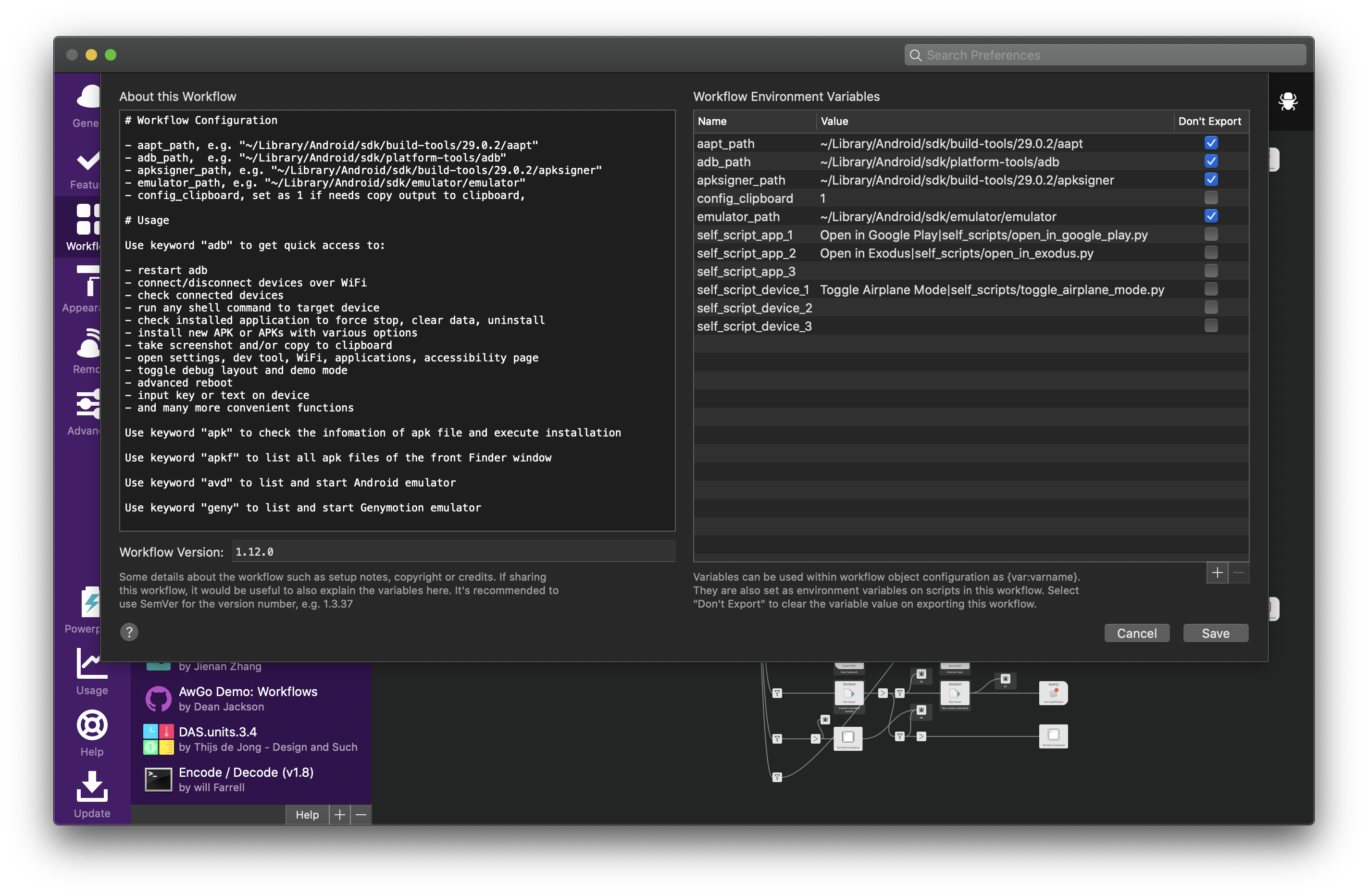
What's required:
| Name | Value (example) |
|---|---|
adb_path |
~/Library/Android/sdk/platform-tools/adb |
aapt_path |
~/Library/Android/sdk/build-tools/28.0.3/aapt |
emulator_path |
~/Library/Android/sdk/tools/emulator |
Features
-
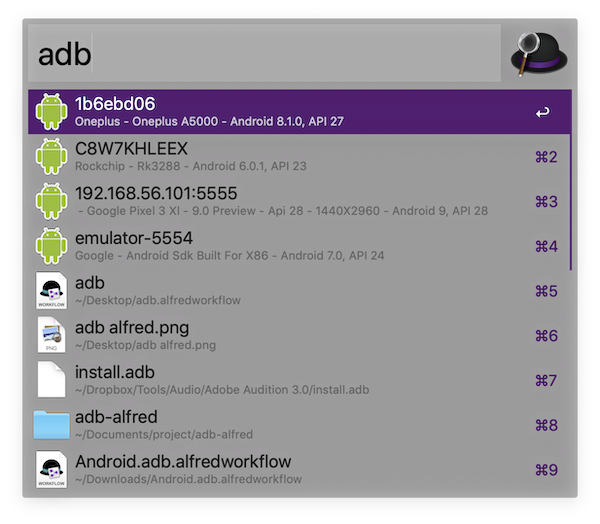
adbto list connected devices-
adb connect,adb disconnectadb restartcan also be accessed from root level
-
-
select one connected device for device options
-
Input custom commands like
shell dumpsys -l | grep
                                              wifi
to execute directly in terminal
-
Input custom commands like

-
select
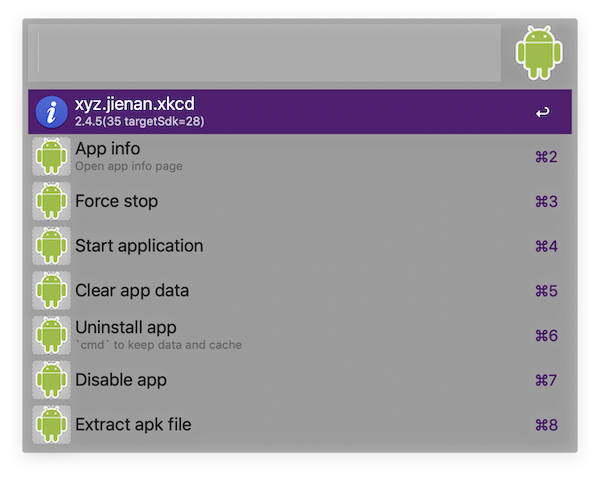
Show app listin device options to list and search in all installed applications- select one application to show package options
-
select
Install apkin device options to select APK or APKs on local drive for installation-
adb install -t -d -gand bulk installation
-
-
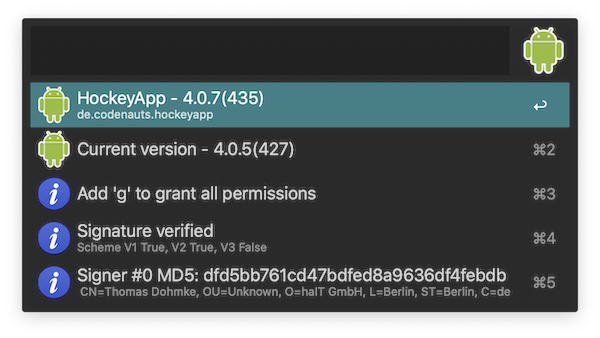
apkto search for local apk files, and check package info -
apkfto directly list apk files under current front Finder window -
avdto list installed emulators, select one to start an emulator


